
Description
Unlock Professional Portrait Retouching Skills with Photoshop CS6
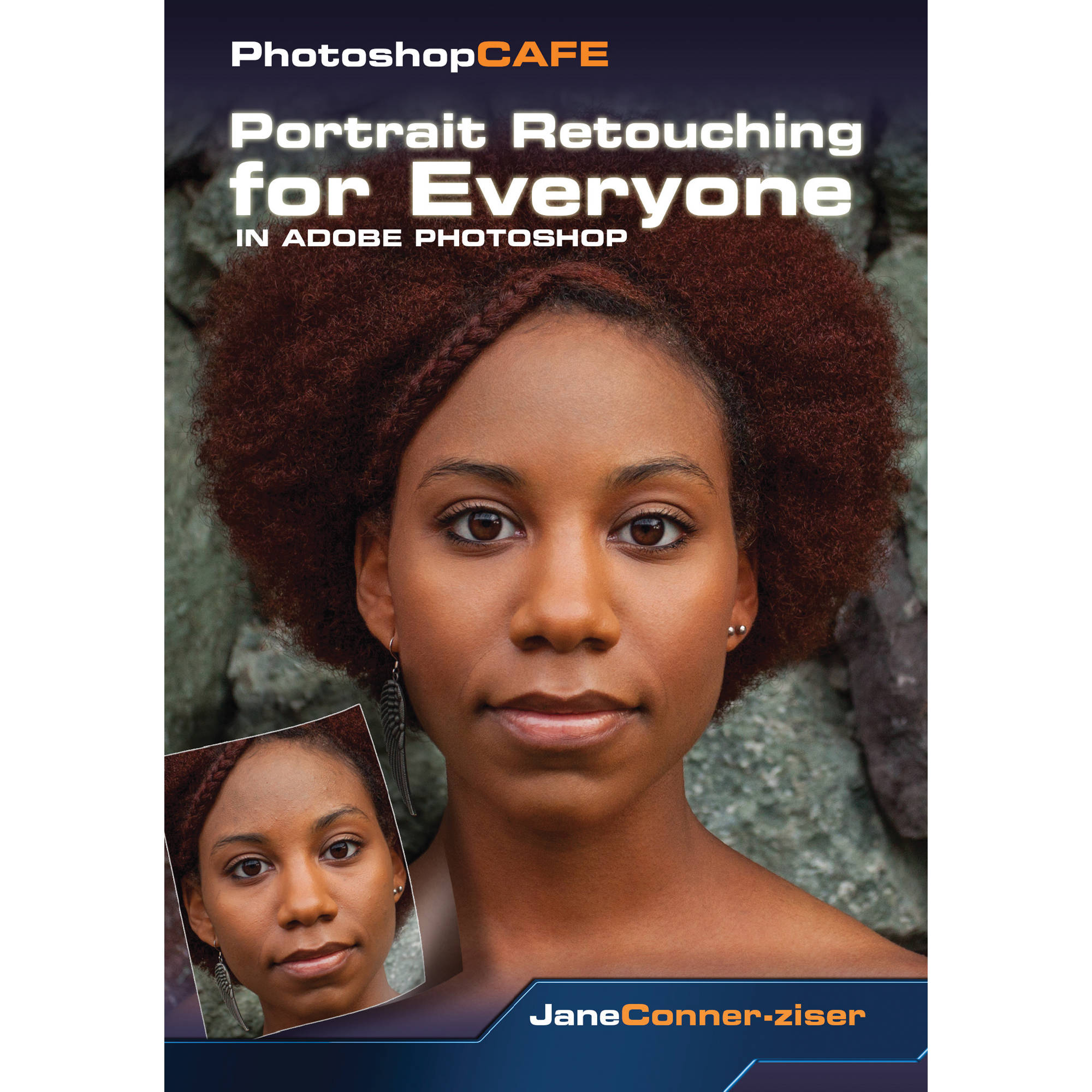
Take your portrait editing to the next level with PhotoshopCAFE’s Portrait Retouching for Everyone in Photoshop CS6, a comprehensive 13-hour video tutorial on DVD-ROM. Hosted by expert Jane Conner-Ziser, this course is designed to equip you with the skills and techniques needed to fine-tune your portraits and achieve professional-grade results.
Key Features:
- 13 hours of in-depth video instruction on portrait retouching and editing
- Lesson files included for hands-on practice and skill reinforcement
- Intuitive interface for easy navigation and playback control
- Compatibility with iTunes for viewing on iPad, iPhone 4 or later, or Apple TV
- Topics covered include recomposing imagery, working with masks, layers, and selections, and enhancing facial features
This DVD-ROM tutorial is perfect for photographers, graphic designers, and anyone looking to improve their portrait editing skills in Photoshop CS6. With PhotoshopCAFE’s Portrait Retouching for Everyone, you’ll gain the confidence and expertise to deliver high-quality, professionally retouched portraits that exceed your clients’ expectations.
The course is structured to take you through a variety of editing tips, techniques, and skills, ensuring a well-rounded understanding of portrait retouching. By the end of the tutorial, you’ll be able to efficiently retouch portraits, work with advanced tools like masks and layers, and significantly improve the quality of your images.
Whether you’re a beginner looking to learn the basics or an advanced user seeking to refine your skills, PhotoshopCAFE’s Portrait Retouching for Everyone in Photoshop CS6 is an invaluable resource that will help you achieve your goals and enhance your professional portfolio.
Additional information
| Weight | 0.15 lbs |
|---|---|
| Dimensions | 7.4 × 5.2 × 0.3 in |
| Delivery | DVD-ROM |
| System Requirements | Mac OS X 10.4-10.6 / Windows 7, Vista, XP, 2000, or 98 (700 MHz Pentium processor or better)<br> |
| Host | Jane Conner-Ziser |
| Publisher | PhotoShop Cafe |
| Run Time | 13 hours |
Related products
Computer Tutorials
Computer Tutorials
Computer Tutorials
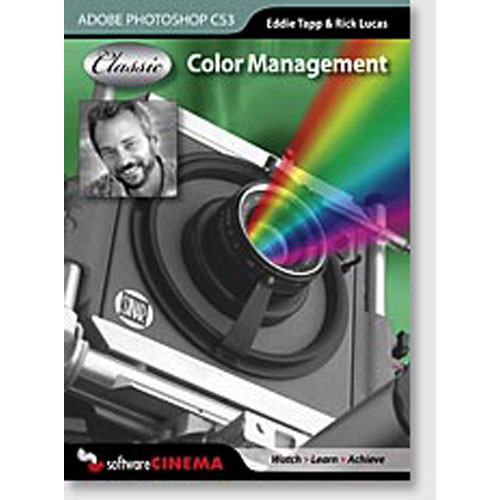
Master Color Management CS3 with Eddie Tapp – Photoshop CS3 Training CD-Rom
Computer Tutorials
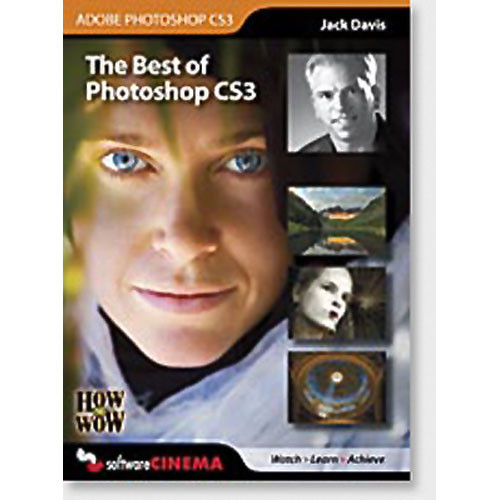
Photoshop CS3 Training by Jack Davis – Wow with CS3 Techniques
Computer Tutorials
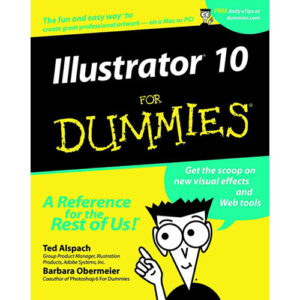
Illustrator 10 For Dummies by Ted Alspach – Master Adobe Illustrator
Computer Tutorials
Master Retouching & Repairing CS3 with Jack Davis DVD Training
Computer Tutorials
Mastering Flash 8 with Colin Smith – Software Cinema CD-Rom Training: Animation & Interactive Design